
Acumen Law’s Hands-Free Recording Tool for Police Stops
Acumen Law’s Hands-Free Recording Tool for Police Stops
Protect Your Rights with a Simple Voice Command
When you’re pulled over by the police, having a clear and accurate record of the interaction can be critical. However, recording on your phone while driving can result in a ticket for using an electronic device, and openly filming may escalate tensions.
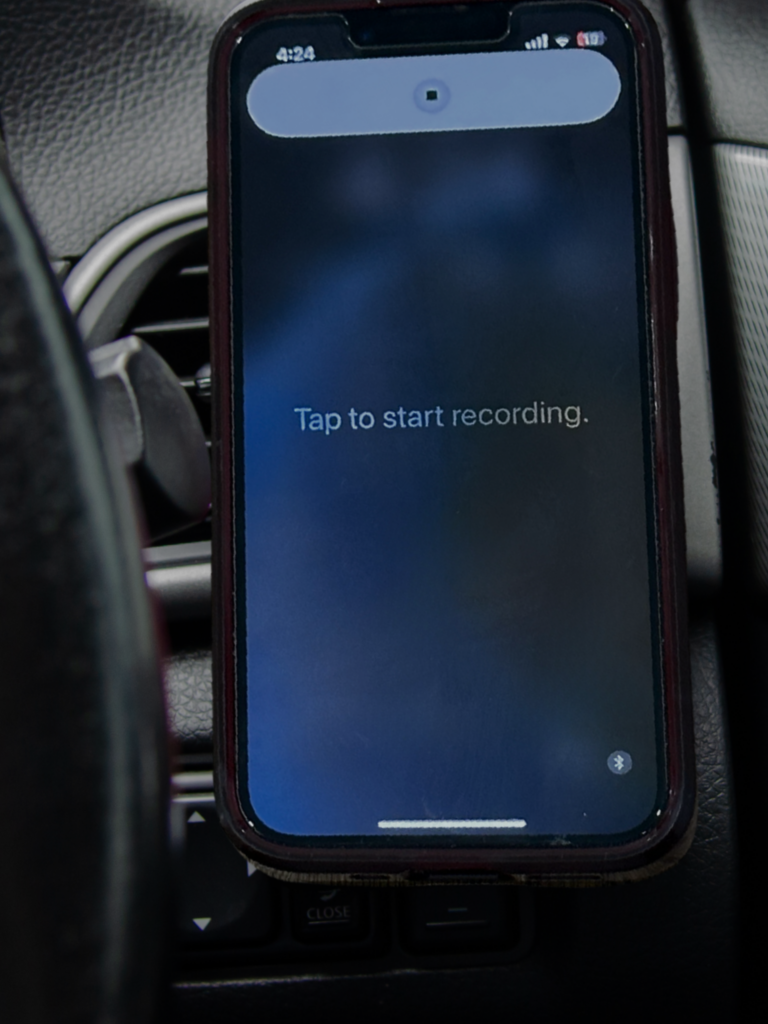
Acumen Law has developed a hands-free iPhone shortcut that allows you to discreetly record police interactions safely and legally. By simply saying: “Hey Siri, I’m being pulled over,” your phone will automatically start recording audio.
As easy as one, two, three!
STEP 1. Download the Shortcut
Click HERE to install the shortcut on your iPhone. This pre-programs your phone to recognize the command:
STEP 2:
Activate Hands-Free Recording
When you’re pulled over, say “Hey Siri, I’m being pulled over.” Your phone will:
- Start recording audio automatically.
- Dim the screen to avoid drawing attention.
- Save the recording securely on your device.
STEP 3:
Secure and Store Your Recording
After the interaction, your phone will prompt you to email the recording to yourself and Acumen Law for secure storage. This ensures the evidence is preserved and available if needed.
Why Use This Hands-Free Recording Tool?
- Discreet and Legal – No need to handle your phone, reducing the risk of receiving a ticket for using an electronic device.
- Reliable Evidence – Captures officer statements and interactions that may be crucial for your defence.
- Secure Storage – Your recording is automatically saved, and with one step, you can email it to Acumen Law for safekeeping.